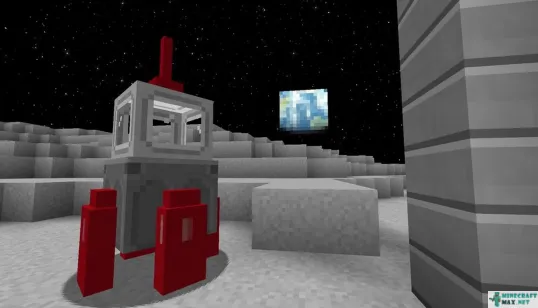
You need to install mod in order for ganymede to appear in the Minecraft game.
- Minecraft versions: 11 / 10.5.1 / 1.22 / 1.21 / 1.20 / 1.19.1 / 1.19
- COMMAND: planet_ganymede
Publish date: 02/08/2022
Modify date: 02/11/2022
Modify date: 02/11/2022
 How to craft ganymede
Unfortunately, there is no recipe how to craft ganymede in Minecraft. But you can see where you can find ganymede in Minecraft.
Can't be crafted
Unfortunately, ganymede cannot be crafted in the inventory or on the workbench in Minecraft.
Ganymede can be obtained using commands in creative mode.
 Command to get ganymede
There is a command that allows you to get ganymede in Minecraft. Below you can see a detailed description of this command to learn how to create ganymede in Minecraft.
Ganymede can be got using a command in creative mode. This requires:
- open chat (press "T")
- write command
/give @p agape_space:planet_ganymede - press "ENTER"
You can also specify the number and who ganymede will be given:
/give @p agape_space:planet_ganymede 10get 10 ganymede
/give MinecraftMax agape_space:planet_ganymedeganymede will be given to the player with the nickname MinecraftMax
The command can be written to the command block so that it is executed when a redstone signal is received.
To view the advice, you must log in
 Mod for ganymede
Here you can find a mod in which you can make this item.